
Pick locations
Locations are picked from the list, with filters or on the map.
SETS Module
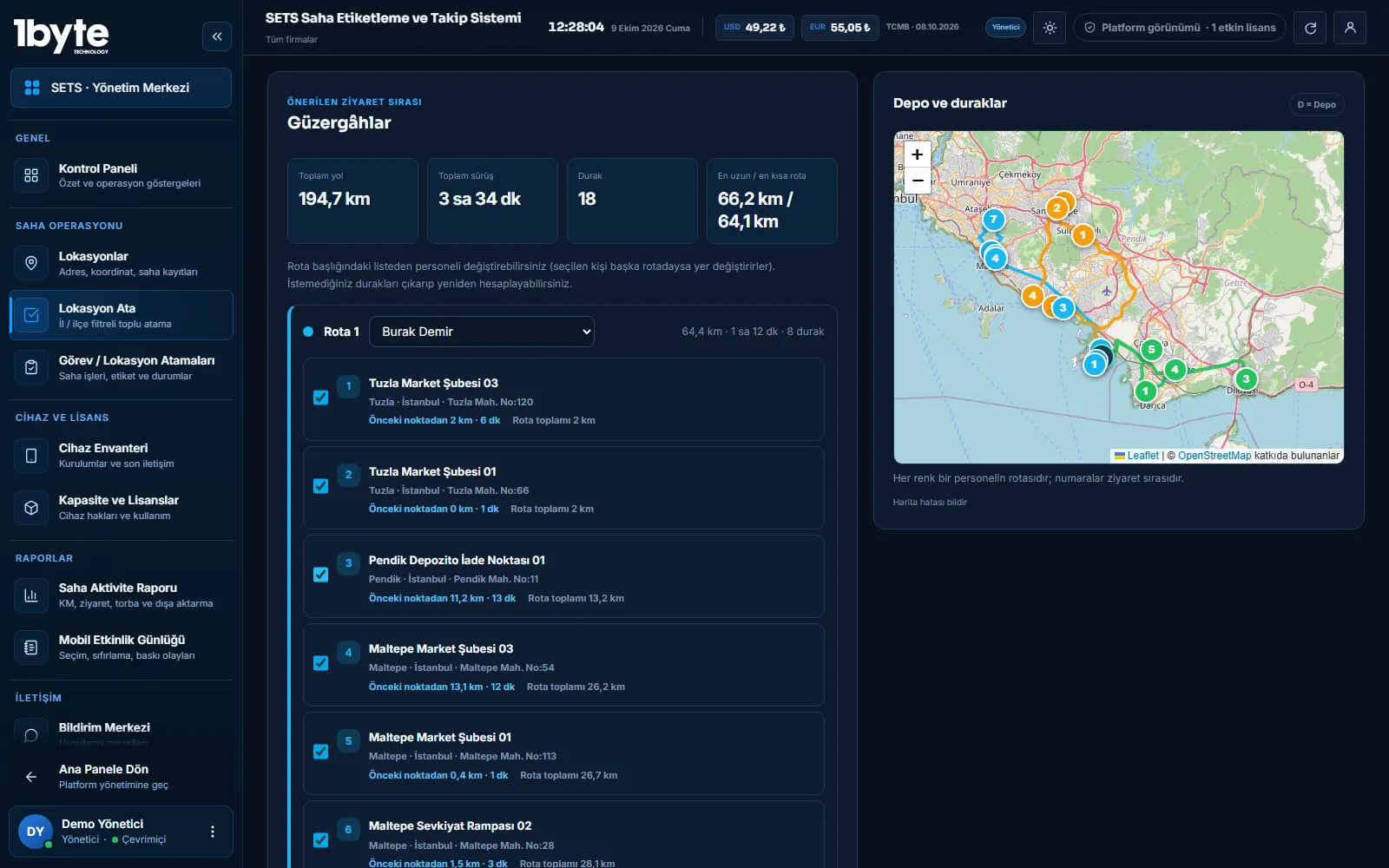
In the SETS web panel, field locations are assigned to people, route suggestions are created from the company or depot starting point, and completed work comes back from the mobile app with location data.
The manager selects locations in the panel and assigns them to one or more people. They can also create a route suggestion from the company or depot starting point and split the locations across people. Field staff see only their own assignments in the mobile app, and each completion reaches the panel with its location.
Workflow
Locations are picked from the list, with filters or on the map.
An ordered route is suggested from the company or depot start; the work can be split across several people.
The assignment is sent to the people; field staff see it in the mobile app.
Staff complete the task; the record is sent with location and optional details such as a note or a count.
The panel shows completed, pending and cancelled work together with the location deviation.
Verification
Every completion is saved with the location where the work was done. The location deviation tolerance set in the panel defines how many metres away from the target the completion may be; in the task report, completions outside the tolerance stand out and can be sorted by deviation distance.
Field Side
In the mobile app, staff see only the locations assigned to them. Completions made where there is no internet are kept on the device and sent to the panel automatically when the connection returns. The panel can also send notification messages to selected users.
Common Questions
Yes. When the route suggestion is created, the locations are divided among the selected people; you can also adjust the assignment by hand.
The route is suggested from the company or depot starting point defined in the panel. Several depots can be defined.
The completion is saved with its location. If the distance to the target exceeds the tolerance set in the panel, it appears as a deviation in the task report.
Assignments are archived first; an archived assignment can be restored, and each assignment keeps its history.
Last updated: 9 October 2026
Related Pages
Location records, field activity reports and exports.
ExploreRoutes, bag counts and location records for collection points.
ExploreWhat to watch when processing location data.
ExploreManage field devices and licenses from one panel.
Explore